Make the phone remote feel effortlessVcodeR · Codex 1
ChatChangesActivityBrowser
YOU
Make the remote easier to use. Keep my projects, chats and drafts together.
AGENT · EXAMPLE
Your workspace is ready for review.
Pinned chats stay at the top.
Search and new chat are within thumb reach.
Open a changed file to review its diff.
YOUR NEXT INSTRUCTION
Demo instruction added. No AI account is connected.
360°
Actual app panels · still view
Choose an agent or click a panel.Real app UI · interactive demo · no account connected
Exact devices and availability
Mac
Apple Silicon · your existing Codex setup. Keep your Mac online and awake.
iPhone & Android
Continue selected conversations in your phone browser.
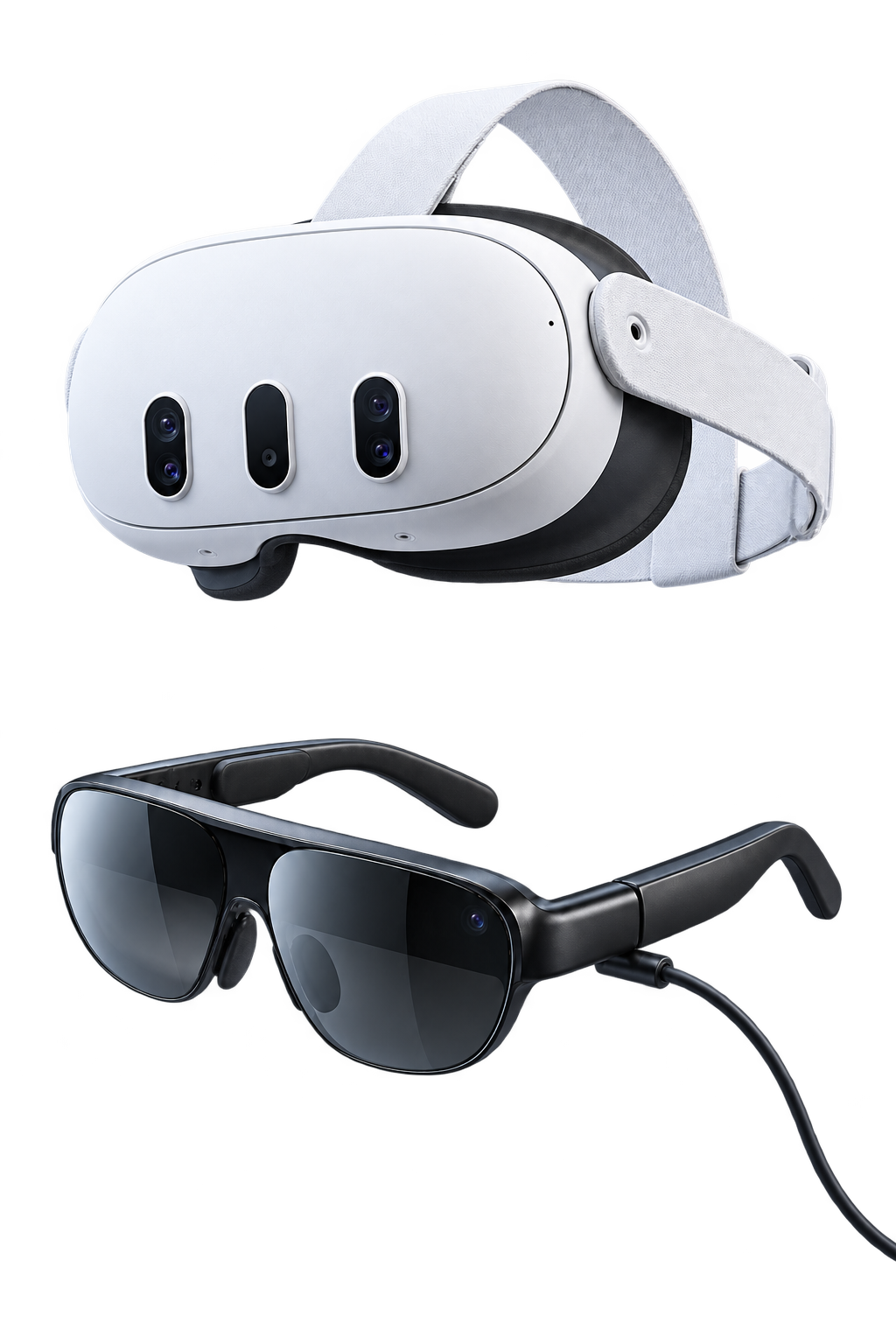
Meta Quest 3 / 3S
Quest Browser alpha. Native app distribution is separate.
Plug-in XR glasses
VITURE, RayNeo and XREAL configurations are in development. Exact glasses, phone and cable combinations need testing; a USB-C display alone does not add independent spatial panels or head tracking.
An Apple Silicon Mac, Git and your own Codex setup. Connect the VcodeR companion and select the conversations you want to continue. Your Mac must remain online and awake, with your selected conversation listening.
Does VcodeR include AI usage?
Your AI subscriptions and allowances stay separate from VcodeR. Each connected account contributes its own available usage. Power coordinates work across those accounts; it does not merge their quotas into an unlimited token pool.
What is available today?
Solo connects one person, one AI account and one Mac. Continue selected conversations from your phone or Quest Browser. Codex is the first tested setup. Power multi-account delegation is in development and is not available to purchase.
Can I use Quest or XR glasses?
Quest 3 and 3S can use the Quest Browser alpha. The native Quest app has a separate release. Phone-connected VITURE, RayNeo Air and XREAL display configurations are in development and require exact-device testing. A USB-C display alone does not provide independent spatial panels or head tracking.
Who controls my computer?
You choose the conversations to connect. Your agent works with your local files and tools, and its native permissions still apply. Review approval requests, stop work and disconnect when you need to. Selected history, instructions, activity and results are relayed through your VcodeR account.
How much does it cost?
Solo is $10/month, including applicable taxes, with a 14-day trial. A card is required. It renews until cancelled. Your AI subscription is separate. Power is in development and unavailable to purchase.
Already tried VcodeR? Help shape what’s next.
Tell us what to fix next.
Something broken? Missing a feature? Send it here—no account needed. We review reports and turn them into a prioritized work list.